I built a Chrome extension to control my browser location

TL;DR: I built a small Chrome and Brave extension that replaces what a page gets from navigator.geolocation. For a Spotify Family invite the override alone still produced a country mismatch. The next checks were the account country, the IP country and the exact family address. After that it worked. The extension changes only the browser location. It does not change your IP address or your account country. I did not test Netflix, so there is no Netflix success claim in this post.
Why I built it
The trigger was joining a Spotify Family invite. I built a small extension that sets the location my browser reports to a page.
It works in Chrome and Brave. It has no build step, no dependencies and no network calls. Its settings stay in chrome.storage.local on your machine.
Browser location and your account country are different things
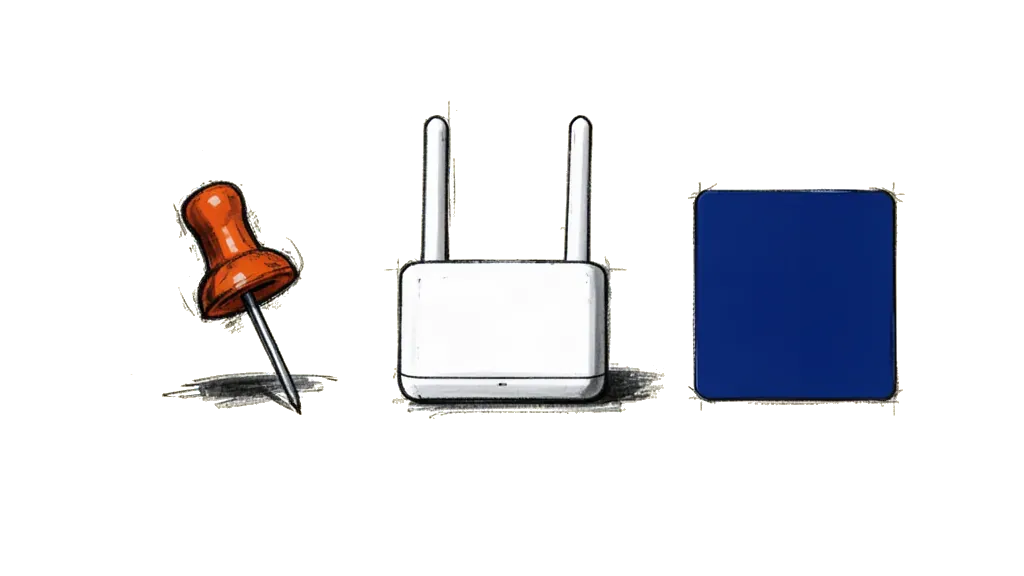
A website can look at three different things.
  browser location          IP address                account country
  asked through             sent with every           stored in your
  navigator.geolocation     request                   account settings
  |                         |                         |
  v                         v                         v
  this extension            this extension            this extension
  changes it                does not touch it         does not touch it
The first is the browser location. A page calls navigator.geolocation, the browser asks you for permission, and the page gets a latitude and a longitude. My extension changes only this one.
The second is your IP address. Every request to a website comes from one, and the extension does not touch it.
The third is the country on your account. For Spotify, the support page says that to change the country of a Premium account you may also need a payment method issued there.
The three can disagree with each other. A fake latitude and longitude does not make the other two agree with it.
What the extension does

It replaces getCurrentPosition, watchPosition and clearWatch on navigator.geolocation. It matches every URL and every frame, and it starts at document_start, before the page's own scripts run.
- The popup takes latitude, longitude and accuracy in meters.
- A switch turns the fake location on and off. Off sends requests to the real location again, with the normal permission dialog.
- A button copies your real position into the fields. You still have to save.
- A watch gets the fake position right away and then again every 10 seconds.
- Wrong numbers are marked in the field and not saved.
- The settings stay in local storage. Once the extension is attached to a tab, saving new values updates that tab right away.
Right after install it is on, set to Berlin (52.52 / 13.405) with 50 meters. Change that before you use it.
Install and use it

You load the folder yourself as an unpacked extension.
- Get the repository as a folder on your machine, by download or by clone.
- Open
chrome://extensionsin Chrome orbrave://extensionsin Brave and switch on developer mode. - Choose "Load unpacked" and select the folder.
- Reload every tab that was already open, so the content script attaches.
- Click the extension icon, enter latitude, longitude and accuracy, and press the save button.
- Open a page that asks for your location. It should get the numbers you entered.
The popup is in German and the README is in English. Breitengrad is latitude, Längengrad is longitude, Genauigkeit is accuracy in meters and Speichern is save.
To check it, open test/smoke.html from a local server with the extension loaded. Its buttons print the position the page receives. A file:// page needs "Allow access to file URLs" in the extension details.
To go back to your real location, switch the toggle off. It is the one labelled "Fake-Standort aktiv", which means fake location active.
Why it runs in the main world
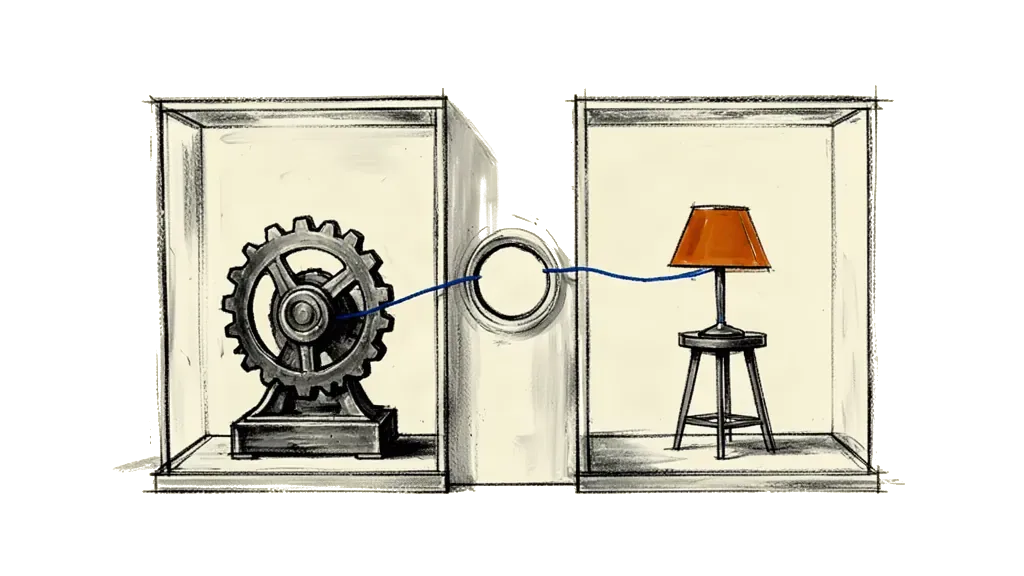
A content script runs in an isolated world by default. It shares the page's DOM, but it has its own JavaScript environment. If it replaces navigator.geolocation.getCurrentPosition there, the page's own scripts do not see the change.
So the override runs in the MAIN world, which is the page's own world. Manifest V3 allows that with "world": "MAIN" on a content script. It also has to start at document_start, so it is in place before any page script calls the real API.
The main world script in this extension does not call chrome.storage. A second, small script runs in the isolated world, where Chrome's documentation lists storage as available to content scripts. It reads the settings and passes them to the main world script with window.postMessage. When you save in the popup, chrome.storage.onChanged fires in that second script, and the same path updates the tabs that are already open.
Chrome's documentation warns about this world too. The host page can access and interfere with the injected script.
What happened with Spotify Family

The override alone still produced a country mismatch.
That fits the three layers in the diagram. The extension changes only the browser location, so it cannot fix a mismatch in the IP country or the account country.
Spotify's support pages describe Premium Family as a plan for family members who live together. Members enter the same home address as the plan manager when they join. The address page says an address can only be selected in the country where the payment method was issued, and that Spotify does not track your location and only checks the address.
The next checks were the account country, the IP country and the exact family address. After that it worked. I am not printing the address.
I did not test Netflix, so there is no Netflix success claim here. The extension leaves your IP address and your account alone, so whatever catalog you get from those stays as it is.
What it does not do
- It changes only
navigator.geolocation. Your IP address stays real, and so does any location a service works out from the network. - It does not change your account country. For a Premium account, Spotify's page says you may also need a payment method issued in the new country.
- It leaves everything else a page can read alone, for example the time zone and the browser language.
- A page can tell it is there. The override leaves
__flcInstalledand__flcStateonwindow, and the two scripts talk throughwindow.postMessage, which page scripts can hear. navigator.permissions.queryfor geolocation still reports the real permission state. In fake mode the real API is not called, so the browser's permission dialog does not appear.- It does nothing for Spotify's address check. Spotify may also ask a member to scan a QR code on the plan manager's phone, and both people have to be in the same place for that.
The tests in the repository cover the validation, the position logic and the override in a Node vm context with fake browser APIs. They test the code, not Spotify. The source is about 560 lines of plain JavaScript, so you can read all of it before you install it.